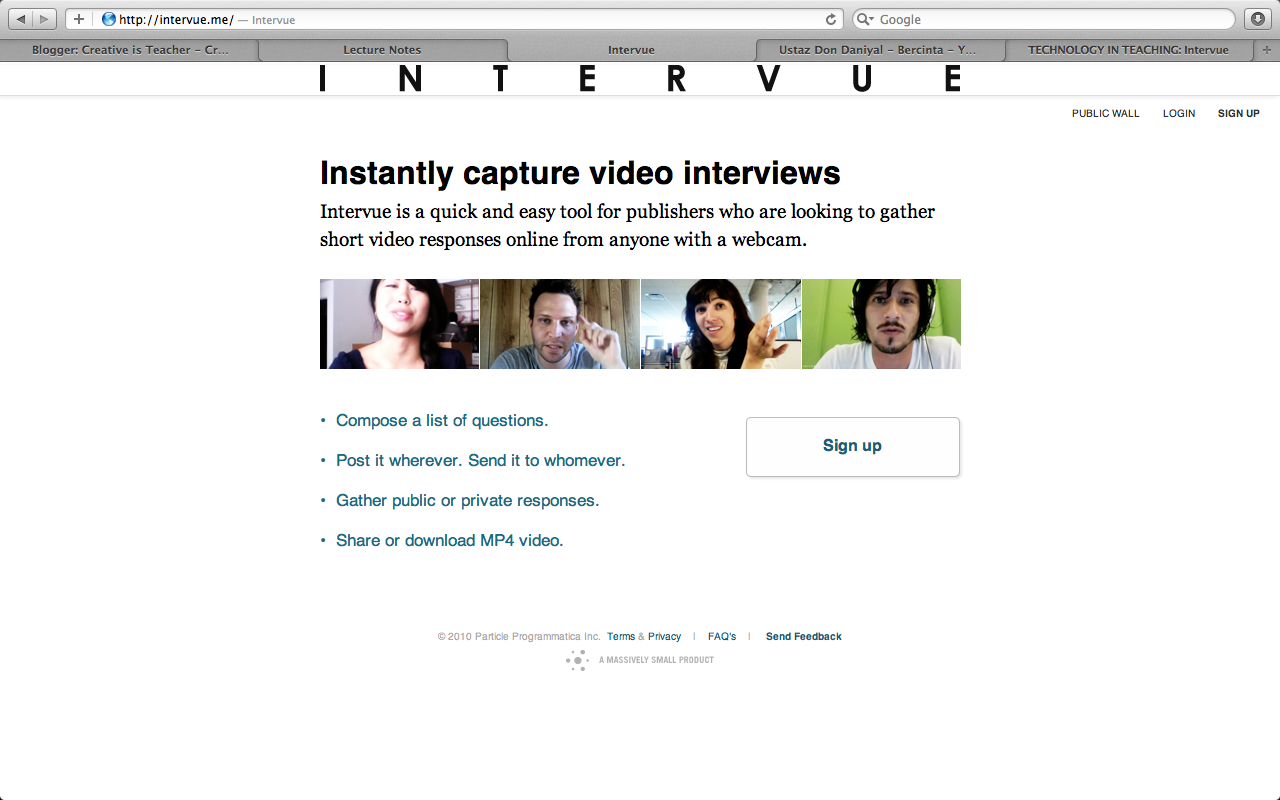
intervue is a tool that you can use to make a short video.
HOW TO USE INTERVUE?
1.First,you have to sign up so that you can save your recording.
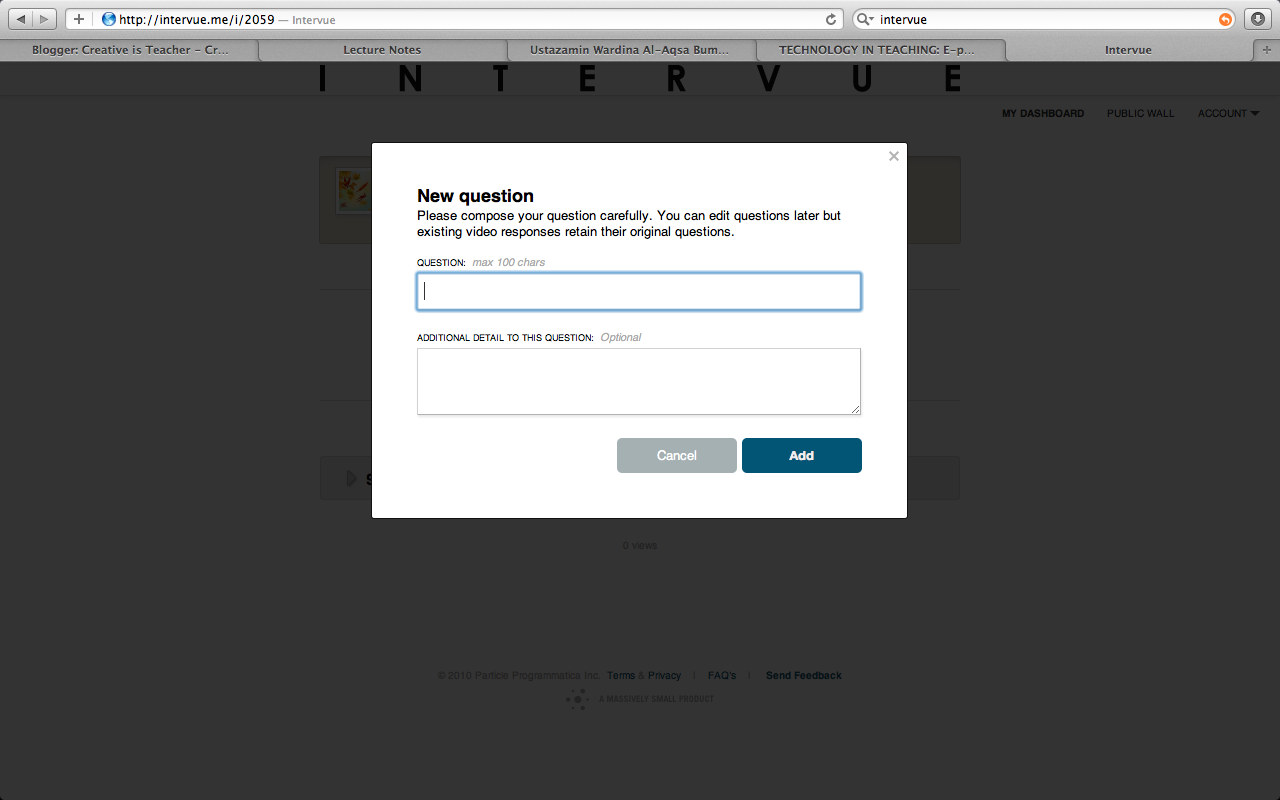
2. Then, click on the section add question.Type your question and share it to your students.
 |
| click on the CREATE NEW to create question |
 |
| then add the QUESTION |
3.After adding the question,you can record yourself by clicking on the question.
 |
| click on the red box and it will happily record your video.=) |
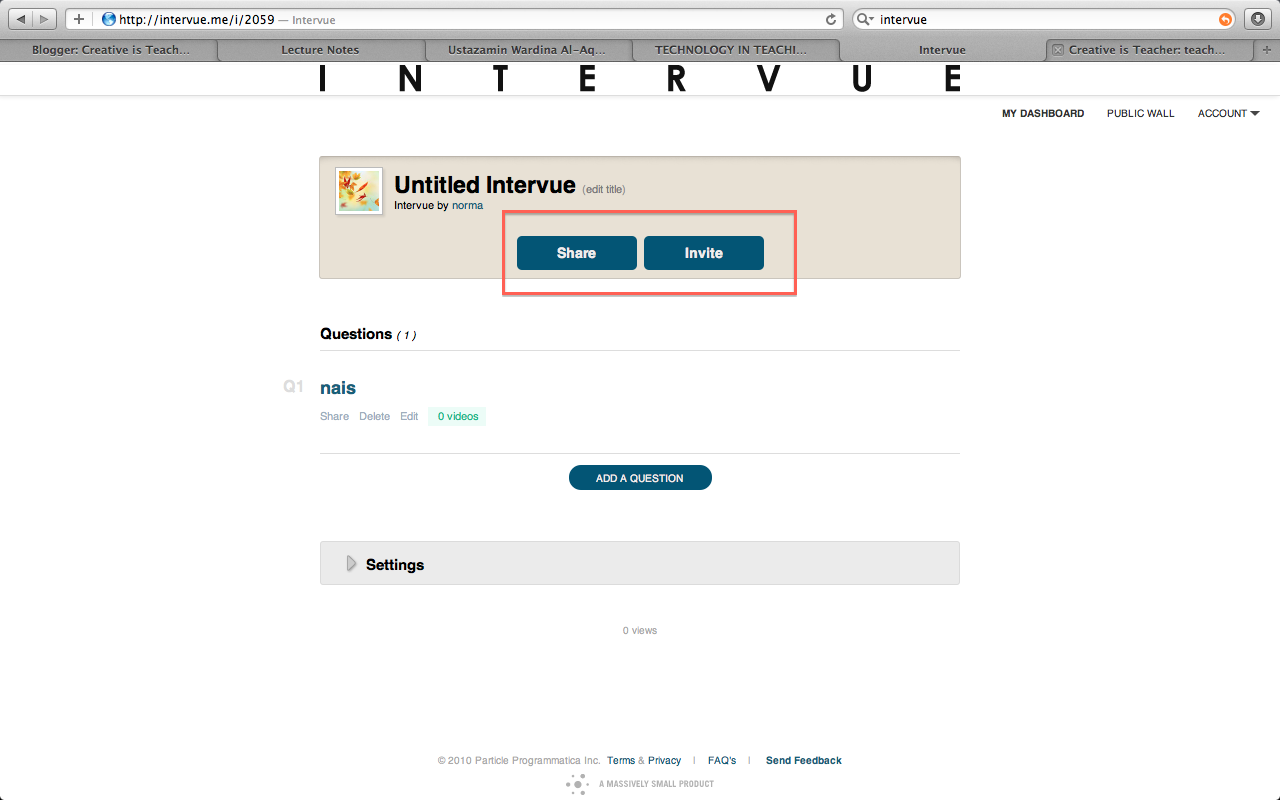
4.After record it,you can share or invite your students.It will automatically appear after you finished your recording.
INTERVUE in teaching?
1.to assess SPEAKING SKILLS.You can use intervue as a tool to assess students' speaking.Students can record it at home and send it to teacher's email.Teachers or students can view the progress of students from one video to another which can be very helpful where students can repeatedly see their video and notice their faults so that they can improve the next time.
-using INTERVUE,Teacher can set a question and ask students to respond to the question.Teacher can send the question link to the students so that they would be able to post their response on the same
2. teacher can keep RECORD of the assessment.Using intervue,teacher can keep record of the assessment while if teacher do the assessment without record it,teacher won't be able to see the past assessment.This is sometimes important as a prove to the ministry and parents if they question about speaking assessment.
3.good for INTROVERT.Intervue will be able to help students that are afraid of the crowd or shy person to talk.I am pretty sure they will talk more using this as they will have less stage fright. However,teacher should encourage them to speak in front of people as well as that is the purpose of speaking skills.Intervue can be as encouragement for them to speak in the beginning.
ADVANTAGES
1.Free!!
2.Easy to use
3.Accessible.Everyone can access to the video however you can make it private if you don't want to.
DISADVANTAGES
1.LIMITED..it is only 60seconds..well since it's free there's nothing much you could do.Students won't be able to speak a lot.
Rating